From a text message to a finished work order.
The same government’s field crews ran on phone calls, paper forms and memory. We are taking the platform out into the field now.
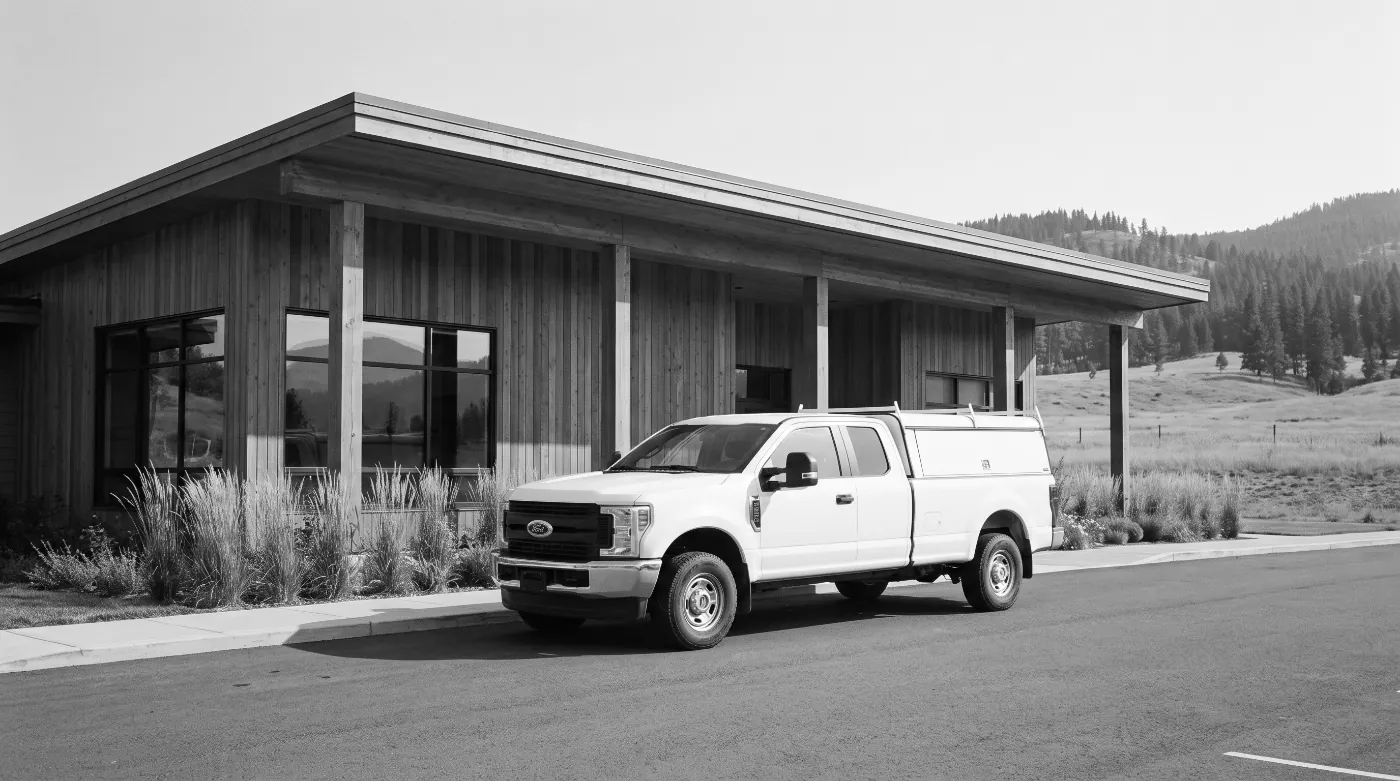
The office was sorted out. The field wasn’t.
Members reported problems by phone, at the counter, or on a paper form. Work orders lived on paper and in someone’s memory. Once you reported something there was no number to follow up on, no record of which crew did the work, and no way for the office to know what was still open — or what any of it had cost.
Off-the-shelf field-service software assumes dispatchers at desks and crews using the vendor’s app on company phones. These crews live in text messages, the requests come from a whole community, and some of the work is done for other departments and has to be billed back. They needed something shaped around that — and the platform was already there to build it on.
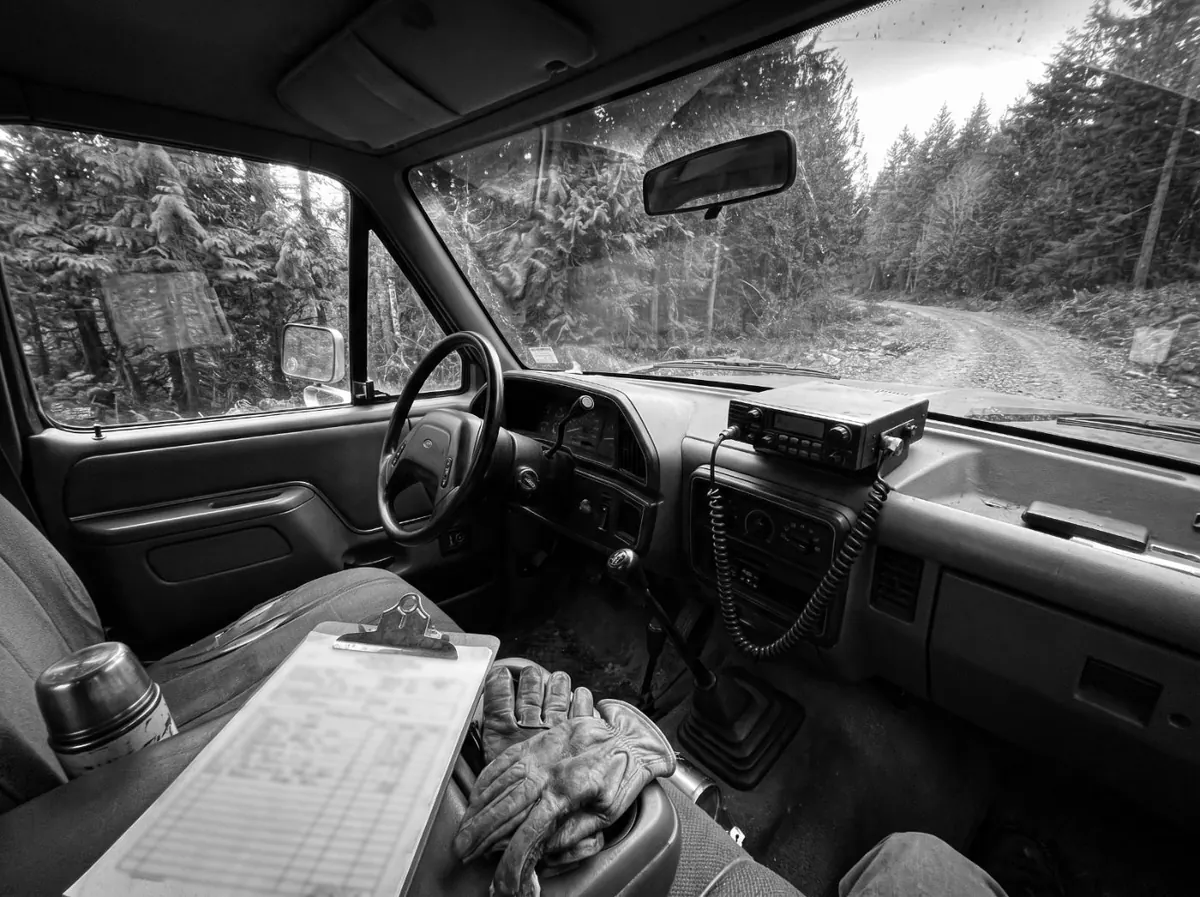
A dispatch loop the whole community can reach.
Four ways in, one queue, and a crew workflow that runs on the phones people already carry.
From a report to a closed work order
Four ways in, one queue
A public web form with no login, an email, the office counter, or a plain text message. However it arrives, it lands in the same queue with a number on it.
An AI agent answers the texts
You text it like a person. It files the request, texts back the reference number, and tells you where things stand. It can only file and read — never assign, approve or close anything — and every conversation is kept.
Requests become work orders
The office turns a request into a numbered work order, then schedules it, assigns it and tracks it to the end. Categories, crews, rates and what the AI is allowed to say are all settings the department controls.
Crews run on text messages
The assignment arrives as a text. The crew texts back when the job is done — hours, notes, photos — and the system closes the work order and tells whoever reported it.
Emergencies interrupt, quiet jobs resurface
An emergency pages the right people the moment it lands. Jobs that go quiet get a nudge, and a Monday summary lists everything still open.
Every job knows its cost
Work orders link to invoices and job costs on the same platform. Work done for another department rolls up into a report you can bill from, so cost recovery is a printout instead of an argument.
What changes, once it’s live.
A request can’t get lost
Every report — texted, emailed or handed over the counter — becomes a tracked record with a number, and the person who made it hears back automatically when the work is done.
The office sees everything
Open requests, work orders, who is assigned, what is stuck, what got finished — one live queue instead of paper forms and memory.
Crews without an app
The whole crew loop runs over ordinary text messages. All anyone needs is a phone that can text, which is every phone.
Billed-back work is recovered
Jobs done for other departments get tracked and reported so they can be billed back — money that used to just get absorbed.
Still dispatching by phone call?
In two weeks, we’ll show you exactly where money, approvals and staff hours are slipping out of view, what it’s costing you, and a fixed price to fix it. You’ll be able to answer any funder or auditor question from the record, not from someone’s inbox.
You get a board-ready report:
- 01Findings. A map of how the work runs today, with each gap rated by risk.
- 02Baseline numbers. Hours spent, days to approval, and error rates, so you can prove the change later.
- 03Quick wins. Fixes you can make this week, with or without us.
- 04Change plan. How your staff, vendors and council move to the new process.
- 05Security review. How your data is handled, assessed against OCAP®.
- 06Fixed price. One price for the build and its first year of running.
We’ll present it to council with you.
$2,500. The report is yours to act on, with us or without us. If you build with us within 90 days, the full fee comes off the price.