One platform to run a government’s back office.
A First Nation government in British Columbia was running its Infrastructure department by hand. We built the platform that replaced all of it, and we still run it.
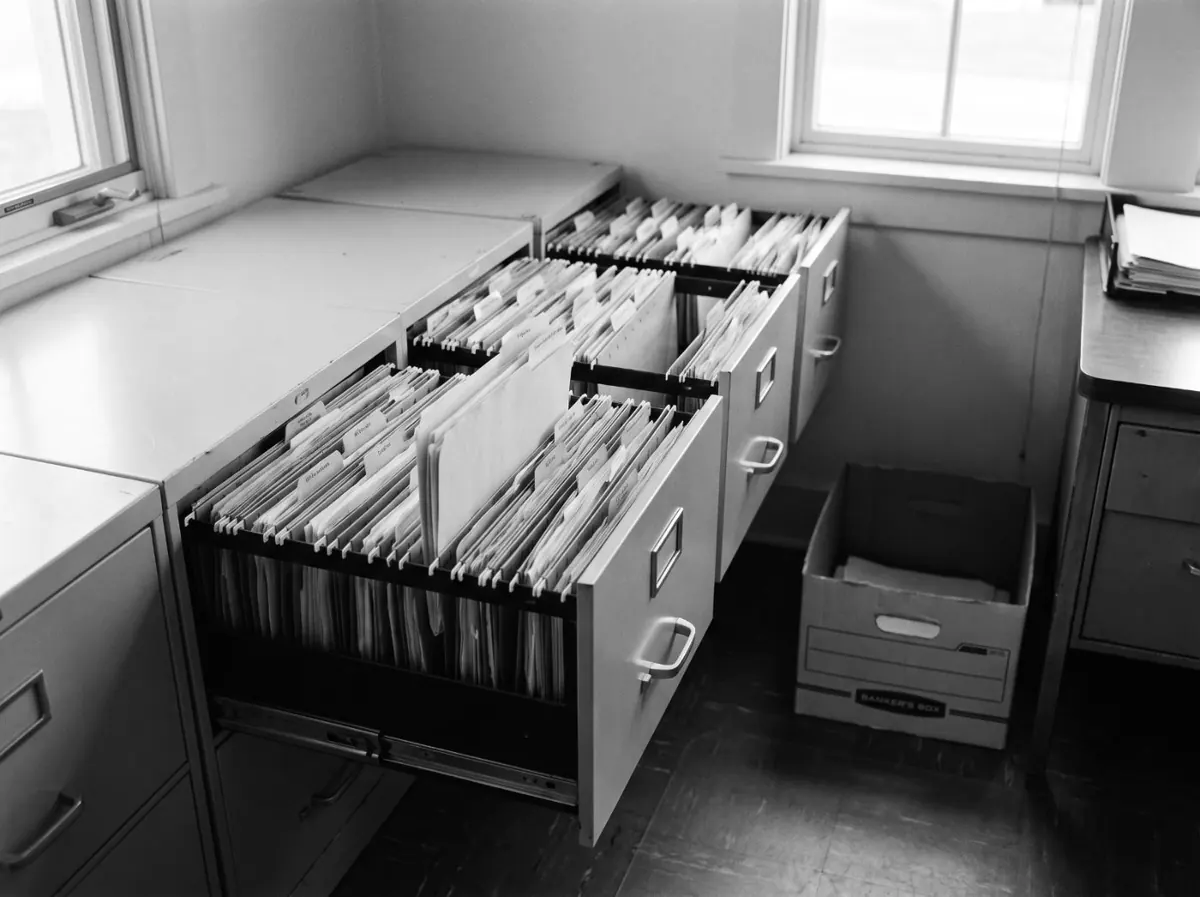
A back office held together by hand.
Vendor invoices came in by email and somebody typed them in. Approvals got chased through email threads. Work orders, costs, invoices and budgets all lived in different places, so nobody could follow a job from dispatch through to the dollar it spent.
Off-the-shelf software did not fit. A band government’s approval chains, funding sources and accounting are not what a generic tool expects. They needed something built around how the department actually works.

One system, built around how the department works.
One platform on a shared core, so each piece connects to the next instead of turning into another silo.
One shared core, capability by capability
One platform, not eight tools
One shared core handles identity, work items, notifications, scheduling, documents, audit and AI. Every new piece inherits it instead of rebuilding it.
AI invoice intake and contract matching
Invoices arrive by email and the AI reads them — vendor, amount, date, reference, and how confident it is — then matches each one to the right contract. Anything unclear goes to a person, and one bad reading never holds up the rest.
Approvals, roles, secure sign-in
Approval chains and amount limits are enforced by the software, not by inboxes. People see only what their role allows, and sign-in is passwordless — no shared logins.
Work orders and accounting export
Work orders, cover memos and accounting packages move approved spend into the accounting system cleanly, and every record has a page you can point an auditor at.
Fund and grant roll-up
Spending is being linked from the funding source through the ledger to each contract. Coverage grows as jobs and budget lines are connected.
Built to last
Every change runs through automated tests against a real database before it ships. The AI is swappable by configuration, so you are not locked to one vendor.
What changed, in practice.
Invoices handle themselves first
248 invoices so far. 35% were screened out automatically before anyone opened them, and the median time to approval is 6.4 hours.
Approvals you can defend
Every approval is enforced by the system and written to a log nobody can edit — who approved what, when, and against which budget.
One connected operation
Jobs, costs, invoices and funding sources live in one system instead of separate spreadsheets, and more of them are linked each month.
Delivered department by department
We shipped a working pipeline in the first build window, then added to it piece by piece. No big-bang rollout.
Running the same process by hand?
In two weeks, we’ll show you exactly where money, approvals and staff hours are slipping out of view, what it’s costing you, and a fixed price to fix it. You’ll be able to answer any funder or auditor question from the record, not from someone’s inbox.
You get a board-ready report:
- 01Findings. A map of how the work runs today, with each gap rated by risk.
- 02Baseline numbers. Hours spent, days to approval, and error rates, so you can prove the change later.
- 03Quick wins. Fixes you can make this week, with or without us.
- 04Change plan. How your staff, vendors and council move to the new process.
- 05Security review. How your data is handled, assessed against OCAP®.
- 06Fixed price. One price for the build and its first year of running.
We’ll present it to council with you.
$2,500. The report is yours to act on, with us or without us. If you build with us within 90 days, the full fee comes off the price.